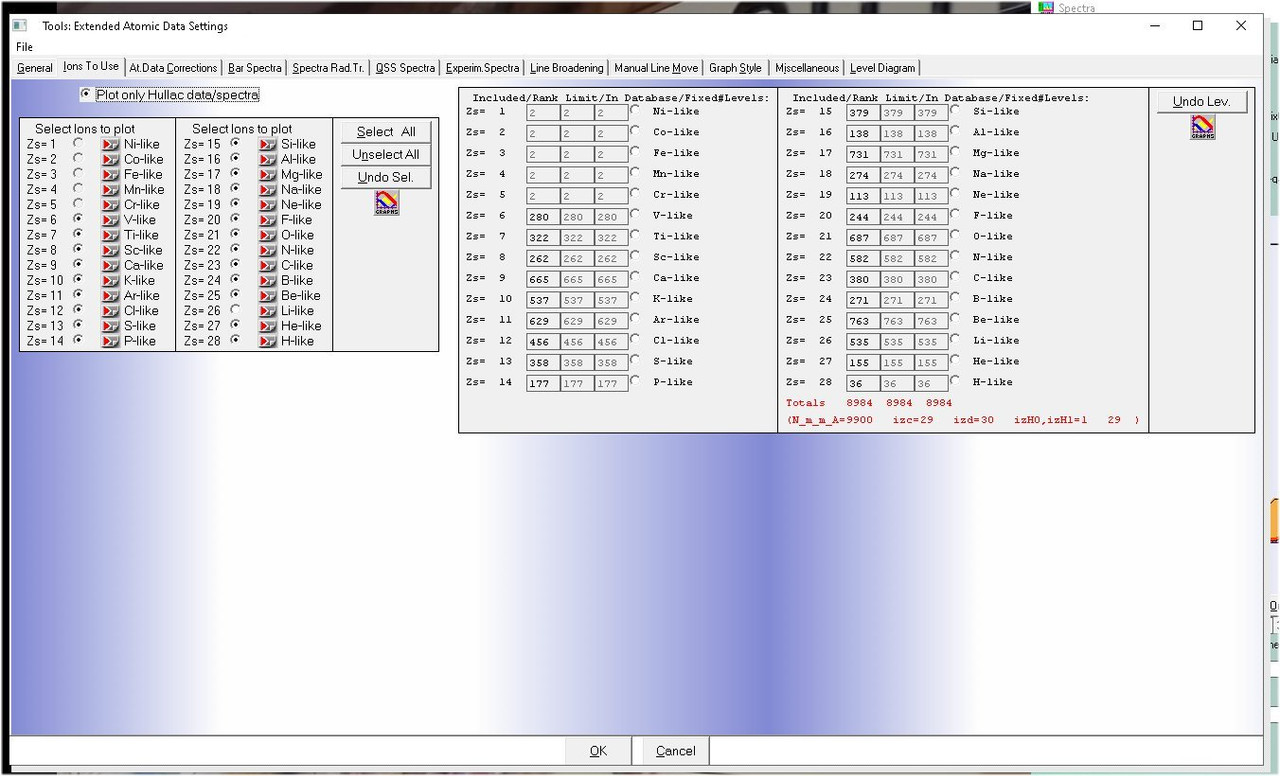
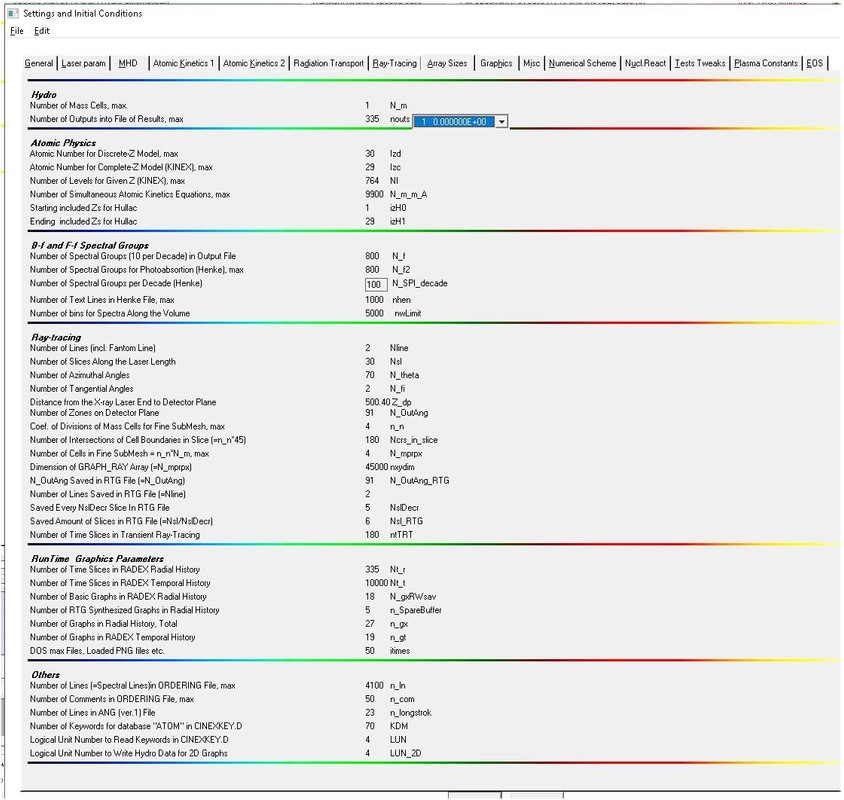
Welcome to my traditional weekend's devilry 😃. The problem is again in the Property sheet. I am surprised people are not using it - this is one of the greatest thing in the Clearwin Windows GUI, it makes your programs not just modern but immensely more USABLE
Here is the demo, click on top Sheet1. First 'Variab i' is of default color - gray, second one Variab ii supposed to be white but it does not work and stays gray, third one Variab iii i made same way as white but set it yellow instead of white and it works. Below are some examples of my property sheets
module aps_top
   implicit none
   integer ::ptr

contains

   integer function cbupdate()
      use mswin
      call see_propertysheet_page@(ptr)
      cbupdate=2
   end function cbupdate
end aps_top

!      *******************************************
!      *  Changes the bottom property sheet      *
!      *******************************************
module aps_bottom
   use mswin
   implicit none
   integer :: xptr

contains

   integer function xcbupdate()
      implicit none
      call see_propertysheet_page@(xptr)
      xcbupdate=2
   end function xcbupdate
end aps_bottom

winapp

program propsht
   use mswin
   use aps_top
   use aps_bottom
   integer :: i
   integer :: ps1,ps2,ps3
   integer :: xps1,xps2,xps3
    ps1=1;ps2=2;ps3=2;xps1=1;xps2=2;xps3=3
         ptr=2;xptr=3

!****************************************************************************
!* Changes the top property sheet                                           *
!****************************************************************************
         i=winio@('%ca[ Sheet 1]&')

	 ii=12345; iii=123456; iiii=1234567
         i=winio@('Variab i   %ta%rd%ff&', ii )
         i=winio@('Variab ii  %ta%`bg[white]%rd%ff&', iii )
         i=winio@('Variab iii %ta%`bg[yellow]%rd%ff&', iiii )
         i=winio@('Sheet one %bt[hellow aaa world]%sh',ps1)

         i=winio@('%ca[ Sheet 2]&')
         i=winio@('Sheet two %bt[hellow xxx world]%sh',ps2)
         i=winio@('%ca[ Sheet 3]&')
         i=winio@('Sheet three %bt[hellow zzz world]%sh',ps3)
         i=winio@('%ca[ Sheet 1]&')
         i=winio@('Sheet one %bt[hellow aaa world]%sh',xps1)
         i=winio@('%ca[ Sheet 2]&')
         i=winio@('Sheet two %bt[hellow xxx world]%sh',xps2)
         i=winio@('%ca[ Sheet 3]&')
         i=winio@('Sheet three %bt[hellow zzz world]%sh',xps3)
         i=winio@('%ca[Grave PS Example]&')
         i=winio@('%bg[btnface]&')
         i=winio@('%sy[thin_border]&')
         i=winio@('%ob[raised]&')
         i=winio@('This is property sheet 1%ff%nl&')
   i=winio@('%`3ps&',ps1,ps2,ps3,ptr)
   i=winio@('%ff%nlView Sheet Number:-&')
   i=winio@('%`bg[window]%il%dd%3^rd&',1,3,1,ptr,cbupdate)
   i=winio@('%cb&')
   i=winio@('%ff%nl%ob[raised]&')
   i=winio@('This is property sheet 2%ff%nl&')
   i=winio@('%`3ps&',xps1,xps2,xps3,xptr)
   i=winio@('%ff%nlView Sheet Number:-&')
   i=winio@('%`bg[window]%il%dd%3^rd&',1,3,1,xptr,xcbupdate)
   i=winio@('%cb%ff&')
   i=winio@('%cn%bt[OK] %bt[Cancel]')

end program propsht