14 May 2021 2:14
#27762
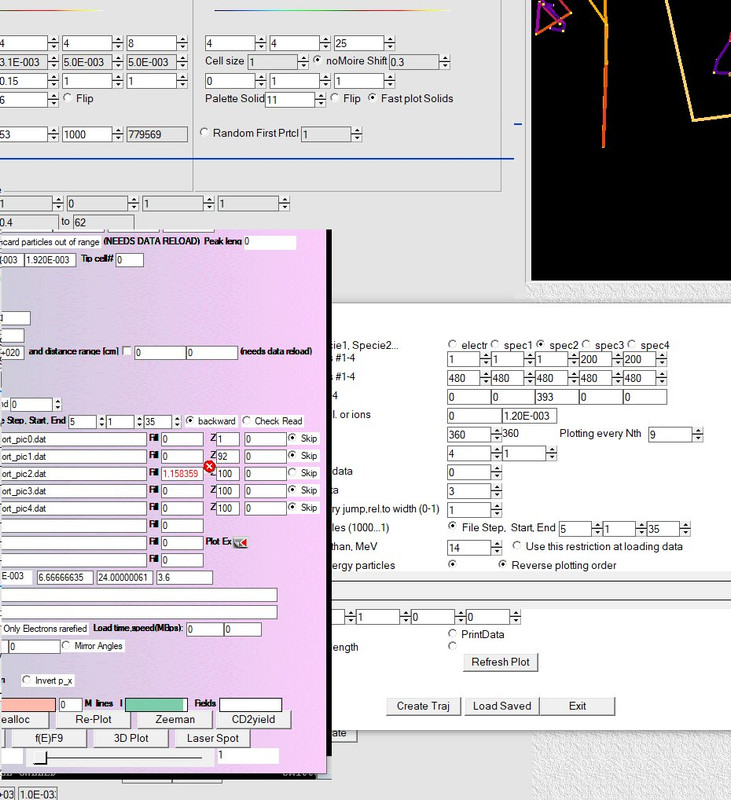
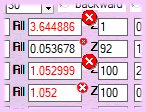
Making the assumption that the limit check needs to be performed due to user input, the following code will do that, and allows tailoring for each double.
The function limit_check_double() does the work, and can be applied anywhere %fl would have been used. As implemented here, it will not change the variable, only flag it's value when changed. In my code where this is used, the initial color is set when the window is being built. I did not do that here.
Not saying that what you do is incorrect, just that there are other ways.
	winapp
	program main
	real*8 A,a_limit(2)
	data a_limit/0.d0,1.d0/
	integer (7) ilc_backgr
	integer, external :: limit_check_double,run

	a=0.1d0
	i=winio@('%^rf%ud&', A,limit_check_double,loc(a_limit)) ! attaches the limit array to the control
	i=winio@('%ff%^bt[Change A]%ud%es', Run,loc(a))

	end

	integer function limit_check_double()
	use mswin
	real*8,pointer:: a,a_limit(:)
	integer (7) variable,handle,user_data
	integer iColBkg
	variable	= clearwin_info@('LATEST_VARIABLE') ! address of 'A'
	handle		= clearwin_info@('CURRENT_CONTROL')
	user_data	= get_user_data@(handle) ! get the associated limit array address
	allocate(a,absolute_address=variable)
	allocate(a_limit(2),absolute_address=user_data)
	if(a.lt.a_limit(1).or.a.gt.a_limit(2)) then
		iColBkg=rgb@(255,133,155)
		call set_control_back_colour@(handle, iColBkg)
	else
		iColBkg=rgb@(255,255,255)
		call set_control_back_colour@(handle, iColBkg)
	endif
	call window_update@(a)
	limit_check_double = 2
	return
	end

	integer function Run()
	Run = 1
	return
	end function
[/code]