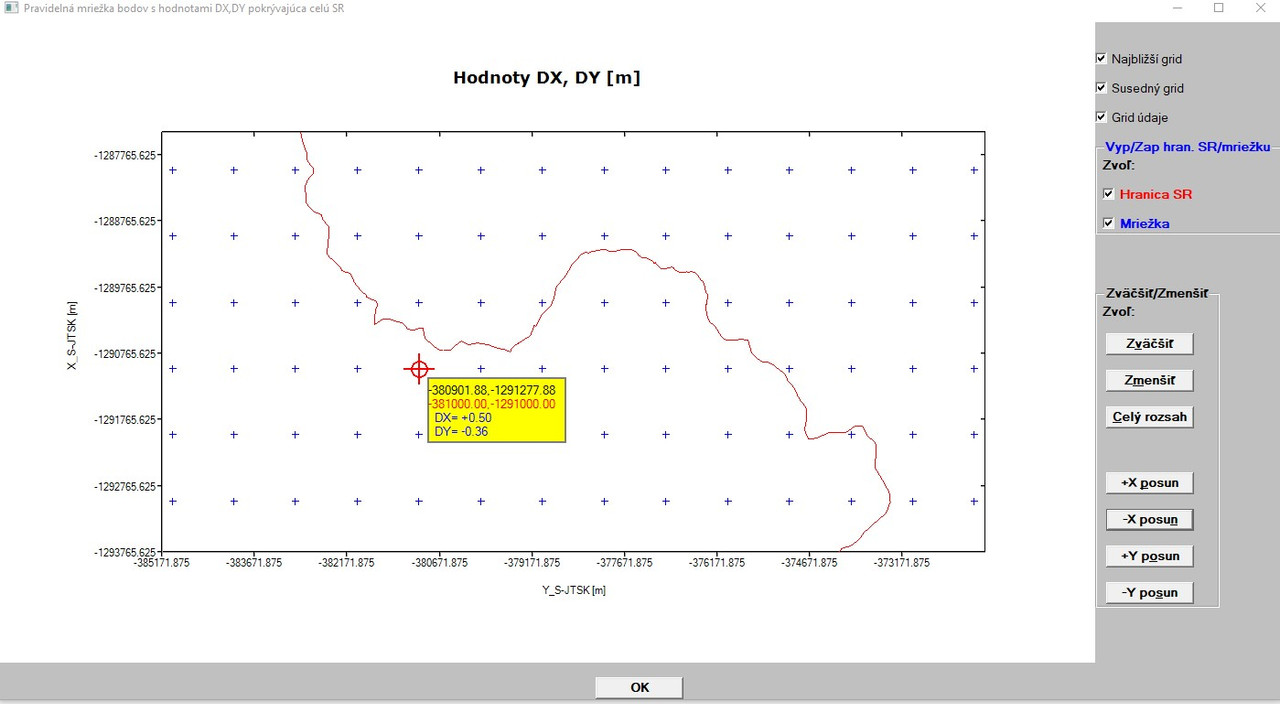
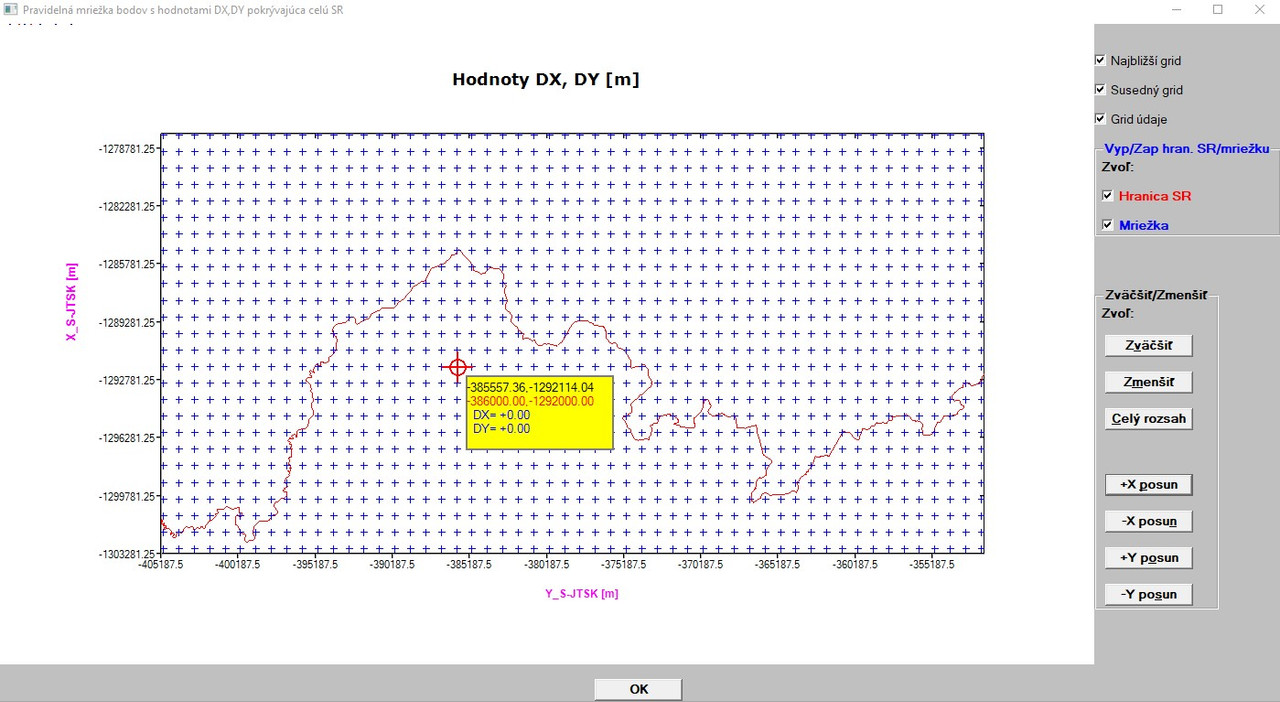
Ken,
I tried to change the font/colour/size of X/Y captions in the graphics. Couple of observations (better said problems) related to this:
First, I thought that I could call within %PL more than one call-back, so I defined a separate function in my module as follows (because I wanted that
any effect in changing font/colour/font size would relate to ONLY X/Y axis captions):
INTEGER FUNCTION nazvy_osi ()
       CALL select_font@('arial') ! font selection
       CALL bold_font@(1) ! bold setup
       CALL size_in_pixels@(15,15) ! dimensions in pixels
! CALL size_in_points@(15,15) ! dimensions in points
CALL draw_characters@('Y_S-JTSK [m]',600,630,RGB@(255,0,255))
CALL rotate_font@(90.0d0) ! for vertical axis caption
CALL draw_characters@('X_S-JTSK [m]',70,350,RGB@(255,0,255))
nazvy_osi = 2
END FUNCTION nazvy_osi
Then - in the plot graph function I had the following:
...
...
iw=winio@('%^pl&',nazvy_osi)
     iw=winio@('%`^pl[full_mouse_input]&',gw,gh,npoints,y_hr,x_hr,y,x,handle_pl,pl_cb)
...
...
During compiling, I got (sometimes, sometimes not) a message saying about memory access violation, but at the end (regardless whether this message appeared or not) compilation was done. When I build the executable, as soon as I accessed graphics menu, program crashed (run time error saying that in the 2nd WINIO continuation (command: iw=winio@('%^pl&',nazvy_osi) integer argument was expected or something similar.
So, I abandoned this %PL call-back.
- I integrated the commands contained in the integer function above to the
main %PL call-back which draws full graphics (called pl_cb in the command:
iw=winio@('%`^pl[full_mouse_input]&',gw,gh,npoints,y_hr,x_hr,y,x,handle_pl,pl_cb) at the end of this pl_cb call-back.
After this, I had to leave out the command ROTATE_FONT@(90.0d0), since it caused that NOT ONLY vertical axis caption was rotated (this was required), but ALSO all values in the yellow rectangle were perpendicular to horizontal axis (unwished effect). When I commented out this function, initially, graphics looked promising (see picture below):
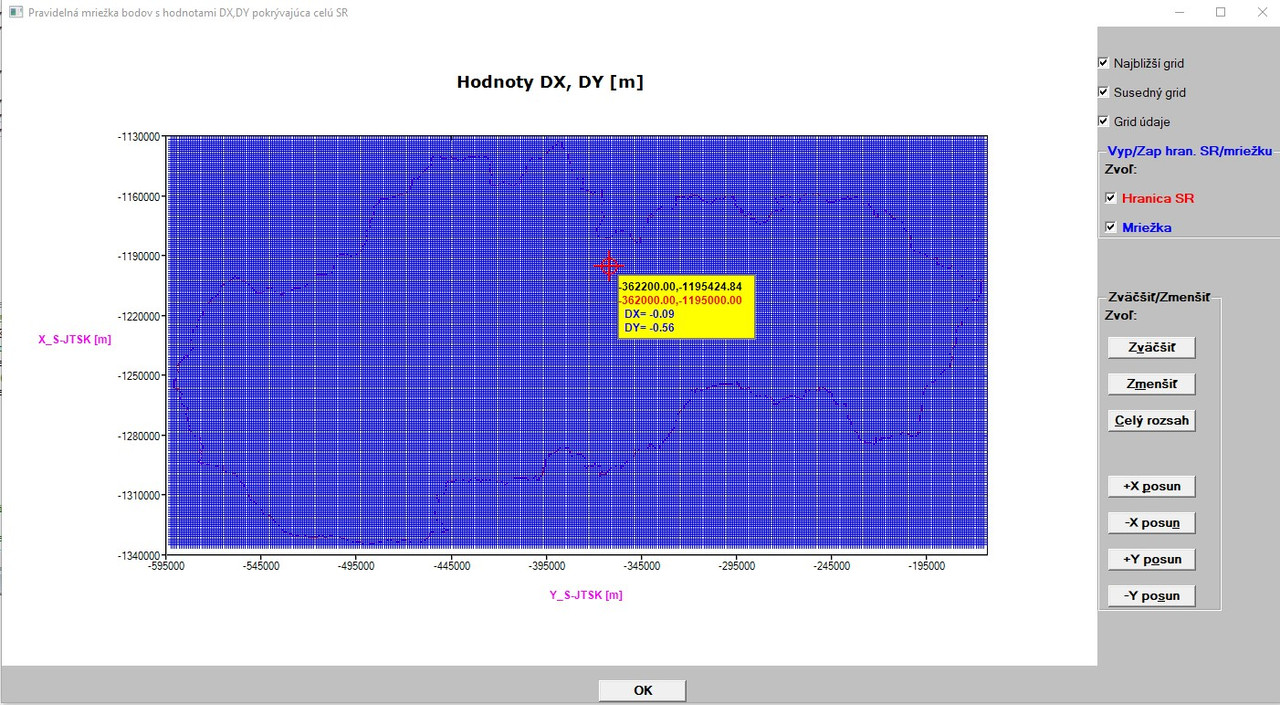
By the way, I also had to enlarge the yellow rectangle, since it was too small when I defined also bold type and dimensions in pixels/points. The reason is that also these values (in the yellow rectangle) are drawn as characters using DRAW_CHARACTERS@ function and UNFORTUNATELY, any change in font/colour/font size has effect NOT ONLY on X/Y captions (as I thought and wanted), but also on ALL characters appearing in the graphics (except the title graph, which I drew by another way).
Next, I zoomed in the graphics and the result can be seen below:

Clearly, the Y,X coordinate values (at the bottom and to the left) and the X/Y captions are in disarray.
Then, I used zoom to extents function (result is demonstrated below):
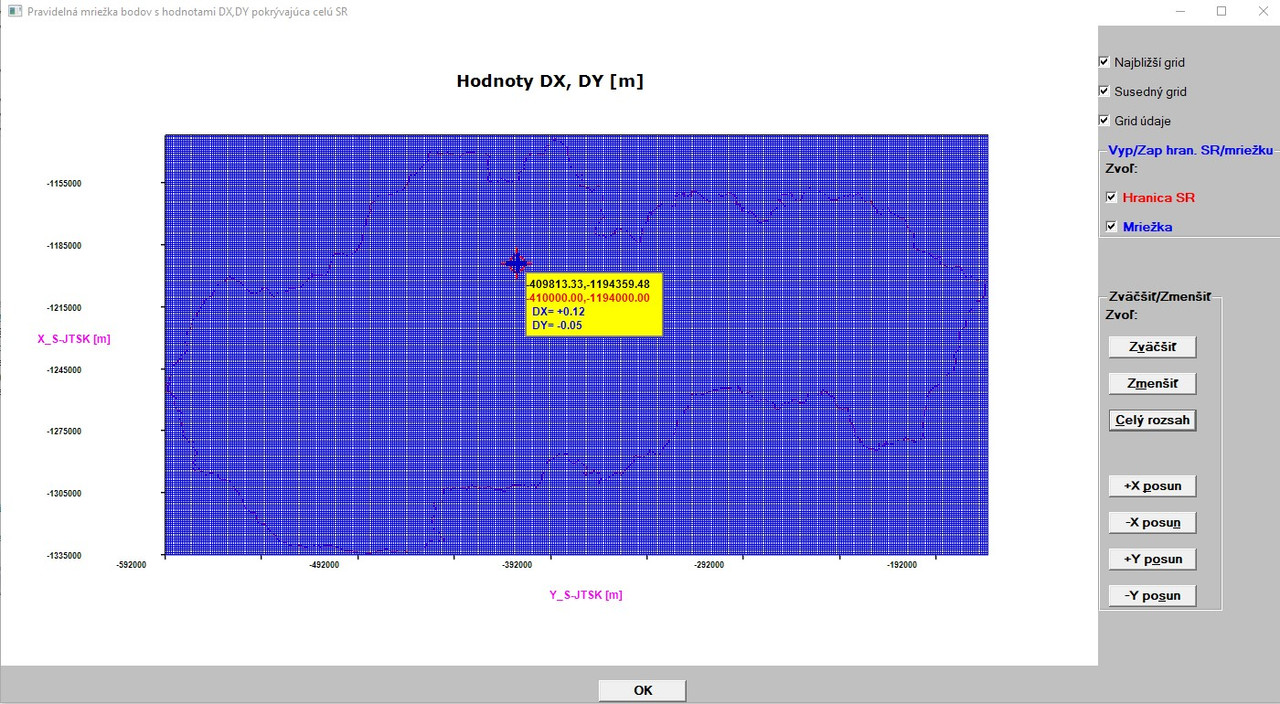
While X/Y captions seems to be OK, the X/Y values on the axes remain in disarray.
So, basic knowledge is (at the current level of my knowledges which are quit low with respect to this and to the way how I tried to realise it) that ALL characters drawn in a graphics (when using %PL command) are influenced by change of font/colour/size and I did not find the way how to isolate/separate the characters which are wanted to be changed (X/Y captions) from the others, which should be left unchanged.
My question:
Is it not possible to call more than one call-back in conjunction with %PL
command found in one integer function?
(this I see as most important, because I saw here a possibility how to separate the characters in the graphics which are to be changed with font/colour/size) from the ones which should remain unchanged and if it is possible, where am I wrong?
As an assessment from a common user (occasional programmer) - by far - the easiest way would be to ADD new options for the %PL command such as: [x_axis_font=], [x_axis_fontsize=], [x_axis_fontcolour=] (and the same for Y axis) and maybe something more with good documentation (help).
So, if you have some ideas/comments/recommendations how to make some tricks to achieve the above described goal in current status of the %PL possibilities, I would be thankful.
Martin