Thanks, Paul, that works removing the need for border size knowledge.
Interesting is new experience with the new Designer %PL after i added just one single line to my previous %PL for this new %PL to handle my settings. That's all what is needed to turn old %PL to new %PL
CALL winop@('%pl[file=zPLsurfplot.set]')
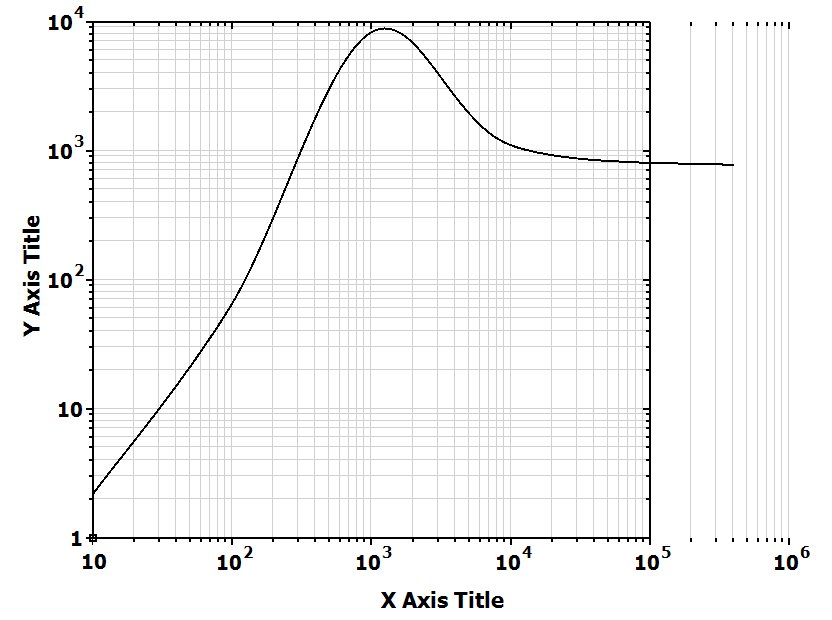
Now we can adjust almost everything and do not worry about settings next time you start the program, the new Designer %PL will look at the file and adjust everything. It is that ultimate simplicity and convenience we were talking here for years: a half a line of text and professional quality plot is done, just adjust all you need without any programming
But one convenient thing is missing here.
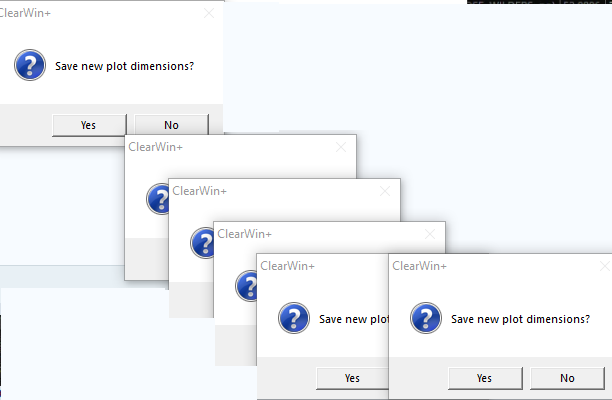
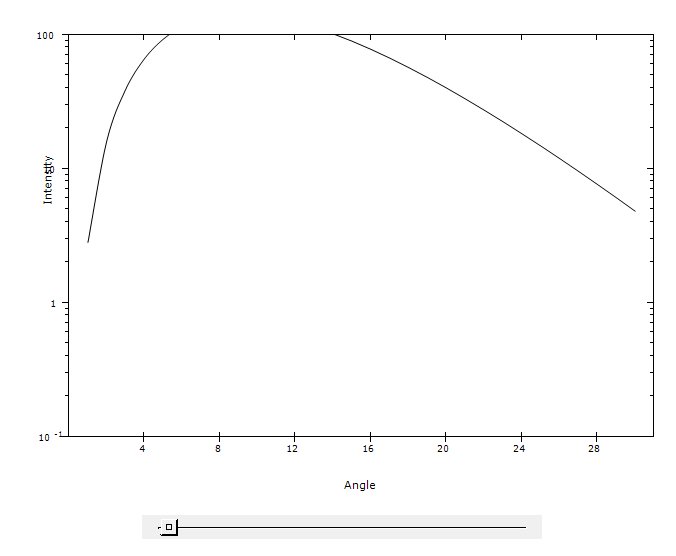
We have still to keep part of our own %PL plot settings because a lot more can be added by the user to the plot. Like additional plot captions, labels using different fonts, comments at specific places etc. But saving settings on resize now interferes with user older settings: the new Designer mode only saves changes when you edit the plot manually, while previously my own settings were saved automatically on each change in the plot. And user's settings saved after each resize are now ignored because Designer %PL takes plot sizes from its own settings.
Is it is doable to add an option to new Designer %PL which will allow automatically save its own settings on resize (when user adds %pv)? Introducing separate function callable by the user which will force %PL to save Designer's settings will also solve this problem
Another minor problem or feature request with Designer %PL is that if you set the limits on X or Y in Edit mode you can not unset them back to Auto. You need to go into the file (containing all these commas ,,,,,342,,,,,,4,,, 😃 ), find among commas your entries and delete them manually. Adding Auto options for all 4 limits will solve this problem
And totally miniscule request is to add ESC to exit from Designer's Edit mode