Thanks John,
That was another good hack! It now allows to run programs simultaneously. Multiple instances of same program are routinely running on my computer. Or just stay till i realize their results. It's like having multiple tabs in the browser.
And the advice of negative fonts was also good, i found the font which looks nice, but unfortunately it is italic. Italic layout hides pixelation of straight fonts.
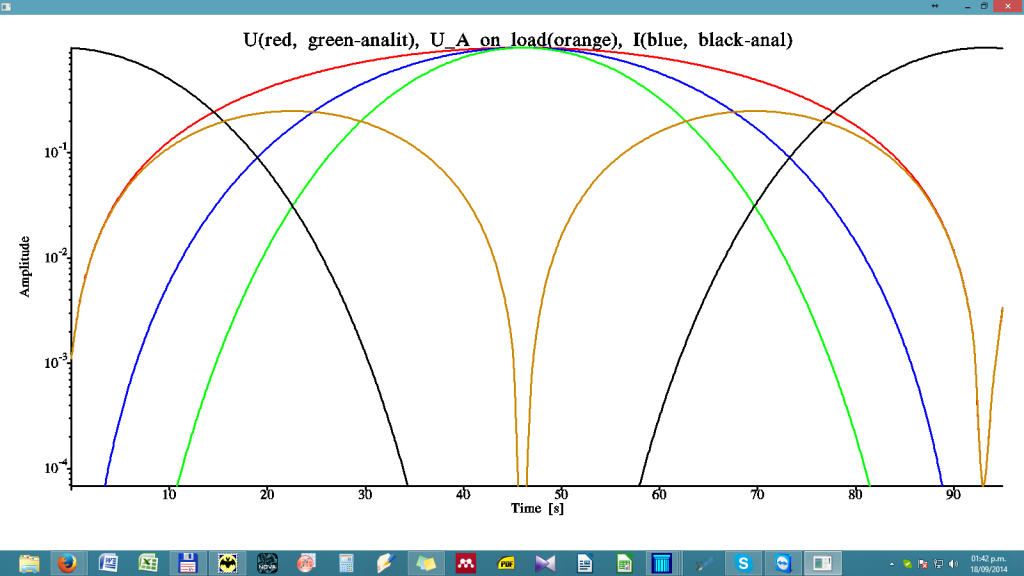
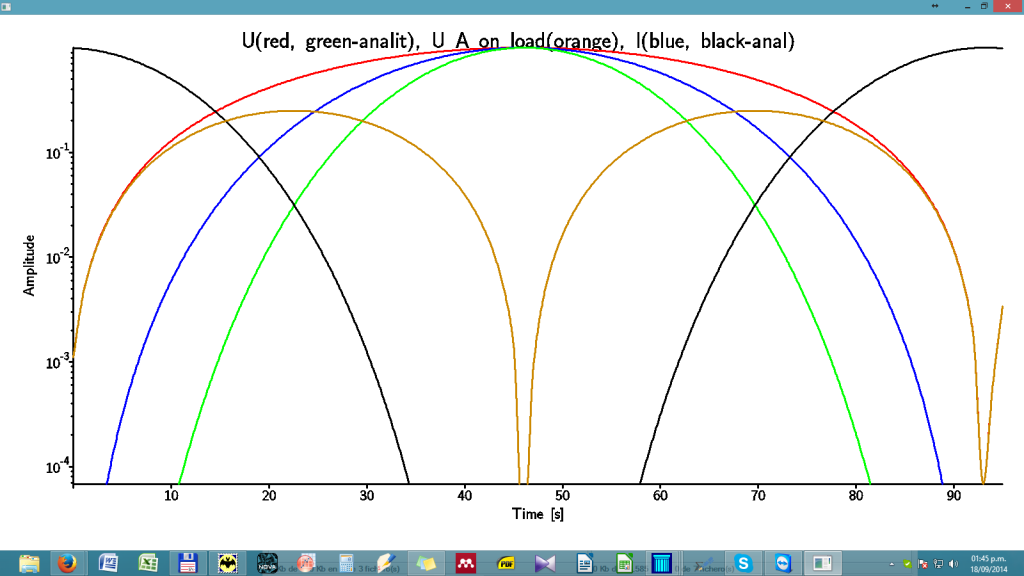
Playing with Hershey rised the following obvious question:
do any antialised Hershey fonts exist in the nature? Why not, what's the problem? That would deliver high quality texts. There also exist a chance that on 4K monitors Hersheys will look without visible defects -- can anyone who has the latest tech try this source below on 4K monitors?
Here is the code for selection of best looking fonts/widths/charsets
!--------------------------------------------------------------------
 !  Compilation:
 !
 !ftn95 aaa.for /free /debug /undef
 !slink aaa.obj 'c:\\Program Files (x86)\\Silverfrost\\FTN95\\SIMPLE.DLL'
 !
 ! With thanks to Agustin 'Aebolzan' and John 'John-Silver'
 !         of the Fortran forum forums.silverfrost.com
 !          for bringing almost dead Simpleplot to life
 !-------------------------------------------------------------------
 Program simple
 integer, external :: ActualPlotting

 real*8 TextSize
 integer LineWidth, iCharacterSetNo
 common /aaa/TextSize, LineWidth, iCharacterSetNo, LWindow

 TextSize = 0.41
 LineWidth = 4
 iCharacterSetNo=-11

 i=winio@('%ww&')
 i=winio@('%1tl&',16)
 i=winio@('%sp&',200,250)
 i=winio@('Text   size   %ta%df%6^rf%ff&', 1d-2, TextSize, ActualPlotting)
 i=winio@('Line Width %ta%dd%6^rd%ff&', 1, LineWidth, ActualPlotting)
 i=winio@('Charset  (-12 to +26)%ta%dd%6^rd%ff&', 1, iCharacterSetNo, ActualPlotting)
 i=winio@('%cn%^tt[Re-Plot]&',ActualPlotting)
 i=winio@('%ac[esc]', 'exit')
 end
!---------------------------------------------------------------------------
 integer function ActualPlotting ()

 real*8 TextSize
 integer LineWidth, iCharacterSetNo
 common /aaa/TextSize, LineWidth, iCharacterSetNo, LWindow


 Real*8 x(100), y(100), z(100), u(100), v(100), w(100)

 N=100
 A=20000
 do i=1,N;
 x(i)=i-1;
 y(i)=A*sin(i/30.)**2;
 z(i)=A*sin(i/30.)**5;
 u(i)=A*sin(i/30.)**10;
 v(i)=A*cos(i/30.)**10;
 w(i)=A*sin(i/30.)**2 * cos(i/30.)**2;
 enddo

 CALL DIAGLV (0)
 CALL TEXTMN(sngl(TextSize)) ! 45)
 CALL AXLBJS('*C','C')
 call thckmg('LINE', float(LineWidth))
 call chset(iCharacterSetNo)

 LWindow = 0
 call window_update@(LWindow)

 i=winio@('%ww%pv%pl[x_axis='Time [s]',y_axis=Amplitude,&
    &title='U(red, green-analit), U_A on load(orange), I(blue, black-anal)', &
    & colour=red, colour=blue, colour=green, colour=black, &
    &colour=#CC8800, X_ARRAY, SCALE=LOG_LINEAR, N_GRAPHS=5]&',&
    & 900, 600, N-4, x, y, z, u, v, w)
 i=winio@('%ac[esc]&', 'exit')
 i=winio@('%lw', LWindow)

 ActualPlotting = 2
 End function


 [/URL][/img][/code]
 [/URL][/img]

