 |
forums.silverfrost.com
Welcome to the Silverfrost forums
|
| View previous topic :: View next topic |
| Author |
Message |
DanRRight
Joined: 10 Mar 2008
Posts: 2957
Location: South Pole, Antarctica
|
 Posted: Fri Nov 28, 2025 3:59 am Post subject: Save the entire window into the image file Posted: Fri Nov 28, 2025 3:59 am Post subject: Save the entire window into the image file |
 |
|
| Somebody already asked this long ago and as I remember the answer was - no. Is this possible now with Clrearwin? I am very often doing that by selecting just the needed window on the screen (in Linux it's Shift+PrintScreen, in Windows it's s bit different) but want to automate this function from within the window itself when you just click on some button or call the callback function from the other function |
|
| Back to top |
|
 |
PaulLaidler
Site Admin
Joined: 21 Feb 2005
Posts: 8307
Location: Salford, UK
|
| Posted: Fri Nov 28, 2025 8:14 am Post subject: |
|
|
See item 468 in the ClearWin+ enhancements file.
Also a new item 505 will read...
A new function EXPORT_WINDOW@ provides a simpler form for EXPORT_WINDOW_IMAGE@.
INTEGER FUNCTION EXPORT_WINDOW@(filename)
CHARACTER(*) filename
It exports a copy of the screen image of the current winio@ Window to the given image file (e.g. a jpeg file).
As usual these functions require an interface as for example in windows.ins. |
|
| Back to top |
|
|
Kenneth_Smith
Joined: 18 May 2012
Posts: 863
Location: Lanarkshire, Scotland.
|
|
| Back to top |
|
|
Kenneth_Smith
Joined: 18 May 2012
Posts: 863
Location: Lanarkshire, Scotland.
|
| Posted: Fri Nov 28, 2025 11:11 pm Post subject: |
|
|
And here is one of Paul's examples from a few years ago:
| Code: |
module mymod
use clrwin
integer(7) hwnd
contains
integer function export()
iw = export_window_image@(hwnd,"image.png",0_3)
export = 2
end function
end module
winapp
program main
use mymod
iw = winio@("%ca[Capture Window Image]&")
iw = winio@("%hw&",hwnd)
iw = winio@("%cn%^bb[Export]", export)
end program |
|
|
| Back to top |
|
|
DanRRight
Joined: 10 Mar 2008
Posts: 2957
Location: South Pole, Antarctica
|
| Posted: Sun Nov 30, 2025 12:56 am Post subject: |
|
|
Thank you very much Ken, as usually your help is spot on.
Thank to Paul too.
By the way here is I think handy followup for the code above which adds an option to not to overwrite the image file but each time you save the screen to open the new one.
| Code: |
module mymod
use clrwin
integer(7) hwnd
contains
integer function export()
character*128 :: PrintScreenFilename='PrintScreen_000.png', PrintScreenFilenameFree='PrintScreen_000.png'
integer :: maxNoSaves = 100 ! use smaller number like 20 if you use harddrives instead of NVMe SSD (where it could be even larger)
logical FileExists
iposdot = index(PrintScreenFilename,'.png',BACK=.TRUE.)
do k = maxNoSaves, 1, -1
WRITE (PrintScreenFilename (iposdot-3:iposdot-1),'(I3.3)')k
INQUIRE (FILE= PrintScreenFilename, EXIST=FileExists )
if (FileExists) then
goto 100
endif
PrintScreenFilenameFree = PrintScreenFilename
enddo
100 iw = export_window_image@(hwnd,PrintScreenFilenameFree, 0)
export = 2
end function
end module
!..............................
winapp
program main
use mymod
iw = winio@("%ca[Capture Window Image]&")
iw = winio@("%hw&",hwnd)
iw = winio@("%cn%^bb[Export]", export)
end program |
Paul,
All these great additions have to appear in the forum (in KBase, in the email by subscription, etc, why not?) like a headline news on CNN but they all went unnoticed for all 3 decades
BTW, is documentation like cwplus.enh posted somewhere online? My enh file ends on 501
And actually in real code I also use another handy addition from a decade ago offered by Eddie he called POP, it was published here. I modified it adding also screensaved %sv option (terminated by mouse hovering), "need attention stop" POPstop version etc. I think it has to be implemented and included into Clearwin. At the end of saving operation I add the line
| Code: |
| call pop('Saved to file '//trim(PrintScreenFilenameFree)) |
Which tells you that the image was saved into specific file. To remove this notification from the screen you just need to hover the mouse over this popped window. This notification appears in the convenient place you set, on top of other windows so you will not miss it.
Without all these numerous small additions, helpers and improvements you will never be able to handle any large projects, you will just die under the heavy weight of additions, corrections, changes, rules, needed sequence of actions or vast amount of data.
This is where Clearwin is needed. It successfully competes with MATLAB and Python here. But to win the competition urgently needs to add
1) creating video visualization like avi, mp4 and living gifs from the image stills.
2) creating surface plots, contour plots and 3D plots in a snap in one single call - though I have created that myself for my own specific use
3) reading structures of the files like HDF5 and SDF in the convenient form of GUI and immediately visualize them like MATLAB is doing. Professional in MATLAB students (and many are) visualize unknown 3D data structures in the matter of hours. I do that in the matter of minutes or seconds, but it took me decades to do that |
|
| Back to top |
|
|
LitusSaxonicum
Joined: 23 Aug 2005
Posts: 2431
Location: Yateley, Hants, UK
|
| Posted: Mon Dec 01, 2025 4:14 pm Post subject: |
|
|
Thanks for the mention Dan. POP was a routine to cover all pop-up messages so that I didn't keep having yet another routine every time I needed a message shown. Not that brilliant an idea. Whether or not it's the version I gave you, Dan, what took me a lot of time was to record where a message popup window had last been moved to, and to use those coordinates if it had to be popped up again.
Anyone who wants it, send me a PM.
Eddie |
|
| Back to top |
|
|
Kenneth_Smith
Joined: 18 May 2012
Posts: 863
Location: Lanarkshire, Scotland.
|
| Posted: Wed Dec 03, 2025 11:49 am Post subject: |
|
|
I asked ChatGPT the question "Suppose I have a Clearwin program that produces a changing image. How to make a mp3 or 4 file from this?"
The answer was:
ffmpeg is a free, open-source command-line program used to convert and process video, audio, and image sequences.
It’s the industry standard tool for jobs like:
turning a sequence of images → MP4 video
converting audio → MP3
cutting, joining, or compressing videos
recording screens, webcams, etc.
It works on Windows, Linux, and macOS, and is the easiest way to turn your ClearWin image frames into an MP4 or MP3.
https://ffmpeg.org/
If ChatGPT is correct (big ?) this looks straightforward. |
|
| Back to top |
|
|
DanRRight
Joined: 10 Mar 2008
Posts: 2957
Location: South Pole, Antarctica
|
| Posted: Wed Dec 03, 2025 12:39 pm Post subject: |
|
|
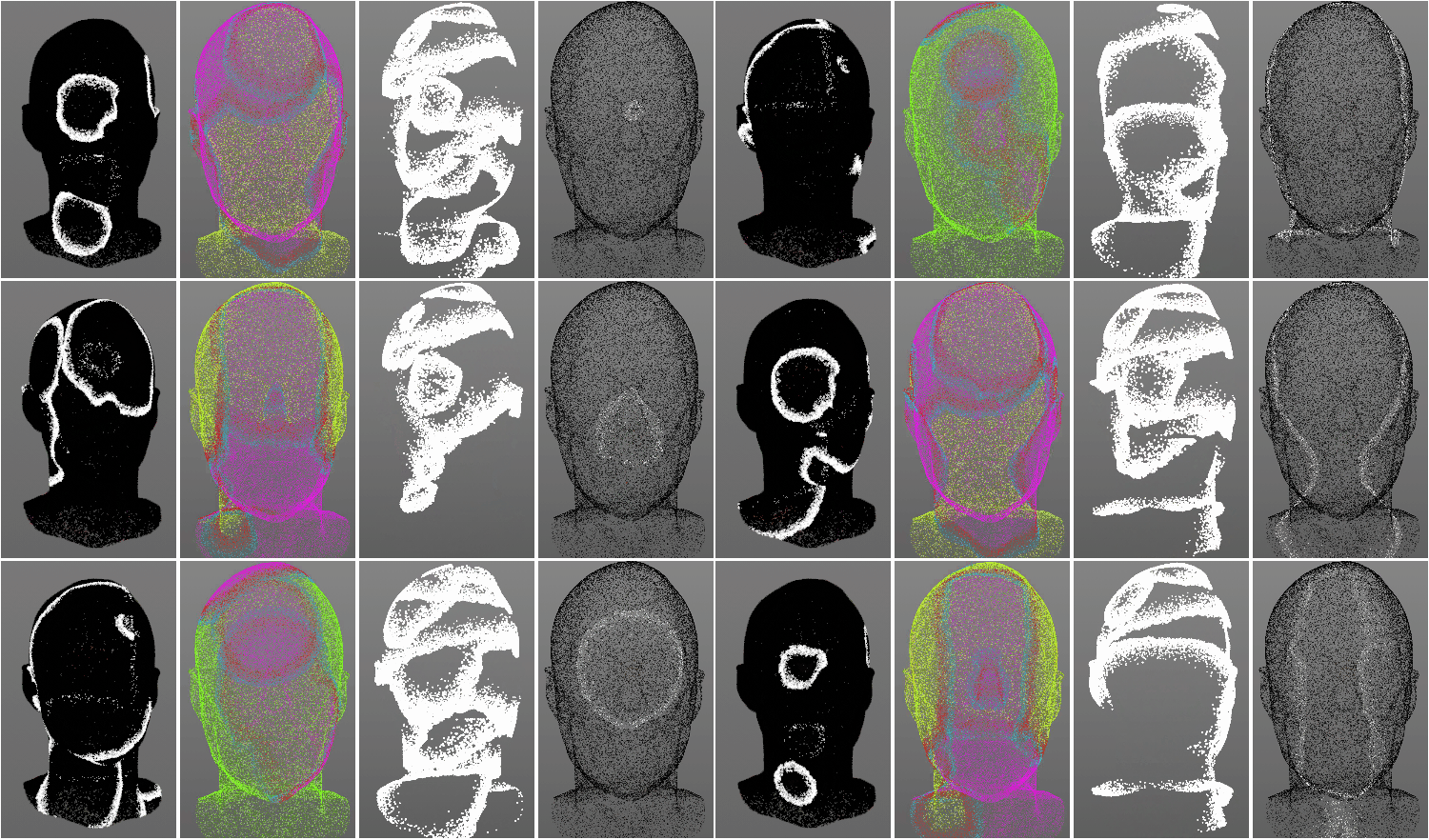
Ideally still would be if this is open source that Silverdrost adapts it so it will be a part of Clearwin and we will make the videos like this to control the process of creation via ErrorCode
| Code: |
| call Still_to_Video("MyPNG*.png","LivingGiF1.gif", ErrorCode) |
This will place initial PNG or JPG in order and right sequence and create gif, avi or mp4.
And then further run of Clearwin program will display one or several of them
 |
|
| Back to top |
|
|
PaulLaidler
Site Admin
Joined: 21 Feb 2005
Posts: 8307
Location: Salford, UK
|
| Posted: Wed Dec 03, 2025 1:01 pm Post subject: |
|
|
Dan
I think that this is something that you will need to do for yourself. |
|
| Back to top |
|
|
LitusSaxonicum
Joined: 23 Aug 2005
Posts: 2431
Location: Yateley, Hants, UK
|
| Posted: Wed Dec 03, 2025 1:58 pm Post subject: |
|
|
Dan,
You could always do it and give it to Paul. Mecej4 could debug it, and tell us where you went wrong!
Eddie |
|
| Back to top |
|
|
DanRRight
Joined: 10 Mar 2008
Posts: 2957
Location: South Pole, Antarctica
|
| Posted: Sun Dec 07, 2025 3:06 am Post subject: |
|
|
Simplified version of Eddie's POP without window tracking is just as simple as this. The GUI part is here, it will always pop in the center of the screen. Try compile and run it
| Code: |
iw=winio@('%ww[topmost]%si!%bg%sv%ff %ff%sf%ts%bf This is a warning: do not touch me %`bf%ff %ff%lw%es', &
rgb@(255,222,222), 1.4d0, ilwww)
end |
which Silverfrost might add to Clearwin by adding automatic tracking of this window and saving position if you move this window so the next time it will appear at this more convenient saved position for which Silverfrost might add special variables in the compiler (but they have to be specific for each instance of simultaneously running codes)
This will not stop running your code. But if the warning is severe I use another modification and call it POPSTOP where %sv and %lw are removed and as a result the code will stop and wait your attention and action. Background color can be changed too in this case. I use light blue, light yellow and light rosy for different circumstances
Eddie made it even more versatile |
|
| Back to top |
|
|
DanRRight
Joined: 10 Mar 2008
Posts: 2957
Location: South Pole, Antarctica
|
| Posted: Sun Dec 07, 2025 5:14 am Post subject: Re: |
|
|
| PaulLaidler wrote: |
Dan
I think that this is something that you will need to do for yourself. |
I can do that and in this specific example it is indeed potentially very easy to do using FTN95 function to launch threads which works flawlessly with Command Prompt programs and then to find the way to handle the run status and error codes. But may be this is not what I asked for - to convert still images to living GIFs, AVI and MP4 not videos to them
But I thought Salford/Silverfrost initial idea was to wrap complex things into convenient Fortran form. I see that other people do modifications of this specific code by the way, I counted 6 programs based on it in my Linux repository. Why Silverfrost not do that ?
These things in Clearwin is where top research and engineering demand currently is. If we open any Nature series journals or even better any published PowerPoint presentations from American Physical Society conferences there are no hand written transparencies for overhead projectors already, and currently even not much is written there, they are just images, plots, figures and videos, videos.. |
|
| Back to top |
|
|
PaulLaidler
Site Admin
Joined: 21 Feb 2005
Posts: 8307
Location: Salford, UK
|
| Posted: Sun Dec 07, 2025 8:44 am Post subject: |
|
|
Dan
Like every other business we have limited resources.
If it is indeed easy to implement without using third party software then send us your code and we can try to make it generally available. |
|
| Back to top |
|
|
|
|
You cannot post new topics in this forum
You cannot reply to topics in this forum
You cannot edit your posts in this forum
You cannot delete your posts in this forum
You cannot vote in polls in this forum
|
Powered by phpBB © 2001, 2005 phpBB Group
|
 FAQ
FAQ Search
 Memberlist
 Usergroups
 Register
 Profile
 Log in to check your private messages
 Log in


